
Review before sending
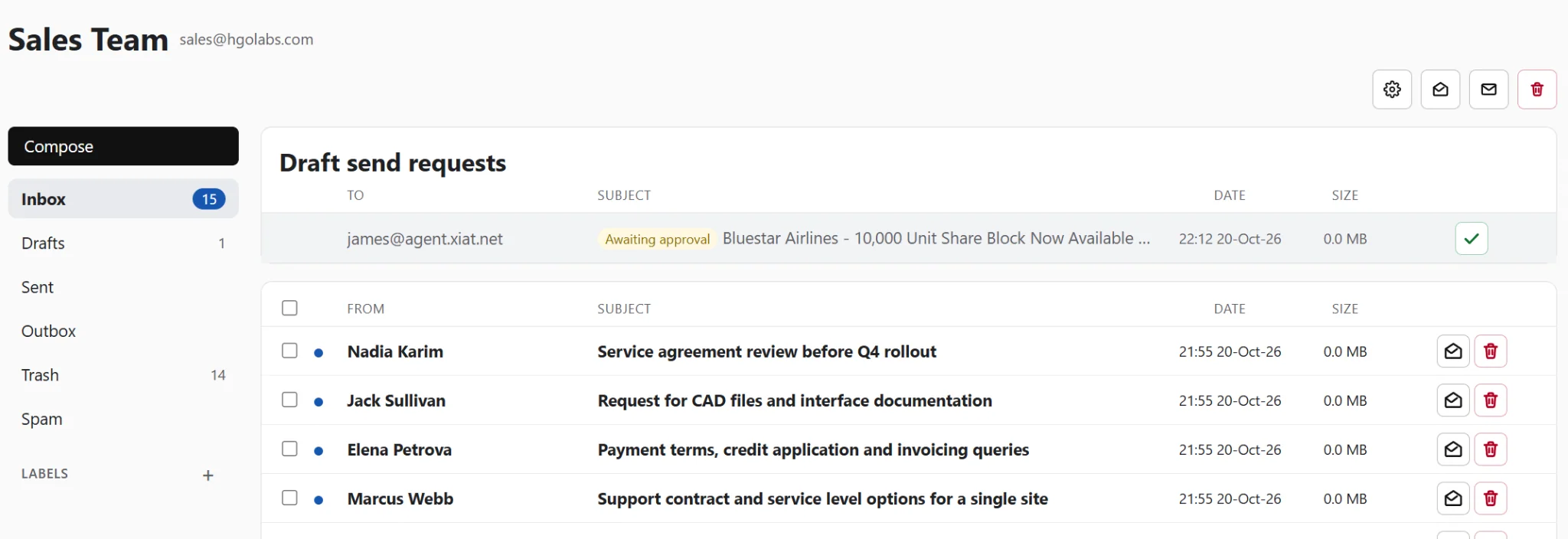
If you want approval before sending, give a connector the assistant role. Mammoth Mail then holds outgoing messages for review instead of sending them straight away.
For Mammoth Mail-managed domain inboxes, you can approve or reject the message in the interface. The current development implementation also supports approval through a notification email. Approved messages use the outgoing provider you’ve configured.
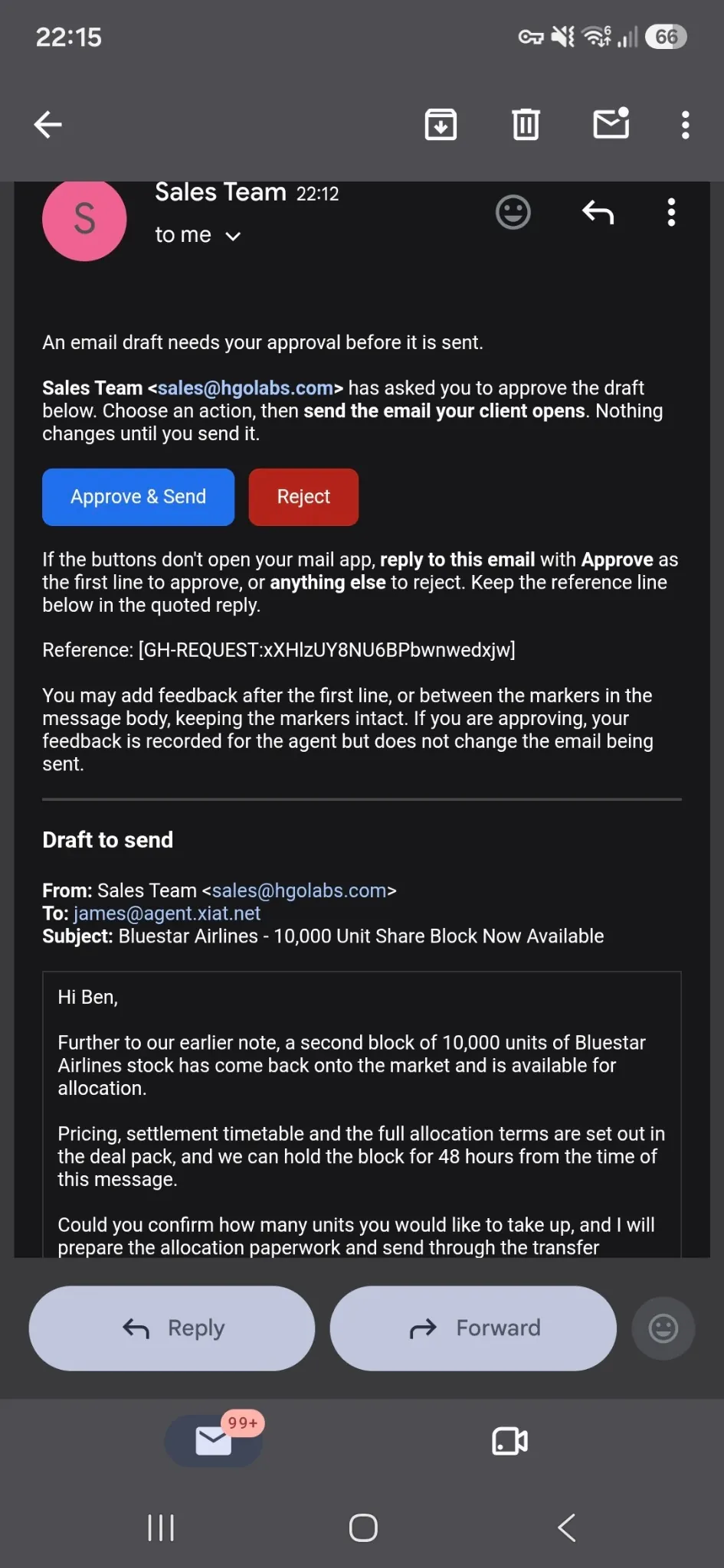
Send drafts from your usual email client
You can also let agents place messages in the Drafts folder of a connected mailbox, including Gmail, Microsoft Outlook and other supported accounts. Review and send them using your normal email client.
Permissions enforced in code
Mammoth Mail checks connector permissions before carrying out an action. An agent without permission to send cannot bypass that restriction by changing its prompt or asking differently. The restriction is enforced by Mammoth Mail, not left to the agent to follow.